
Request a reset link
- Open the Redii sign-in page.
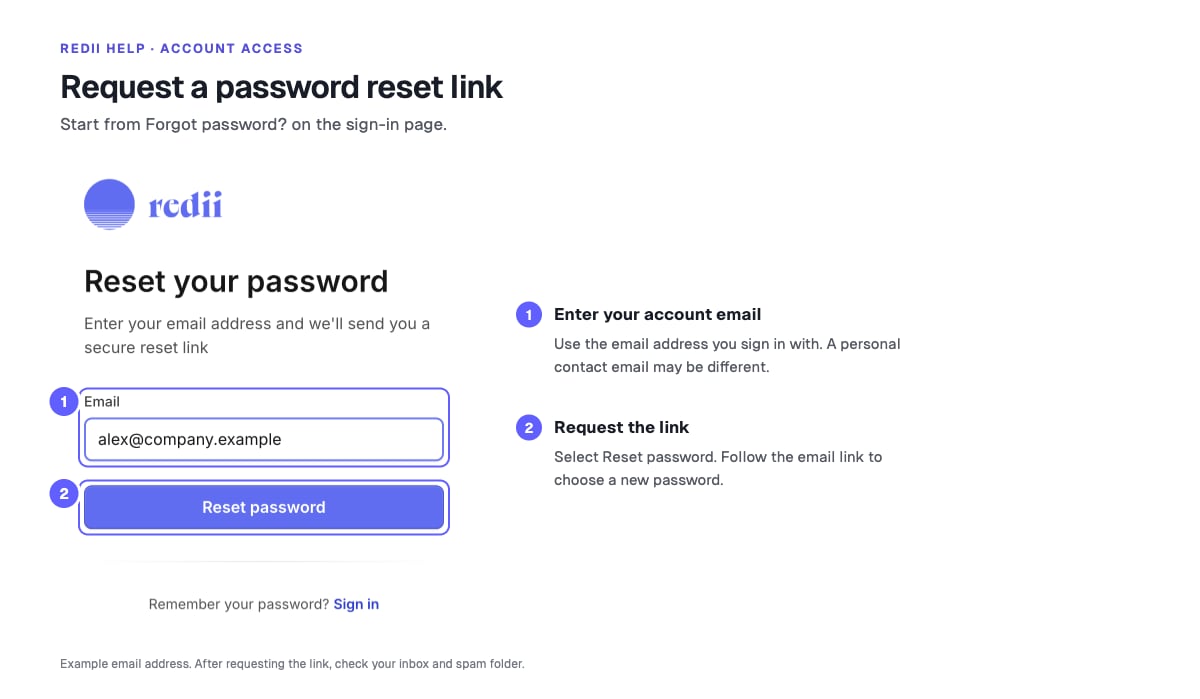
- Select Forgot password?
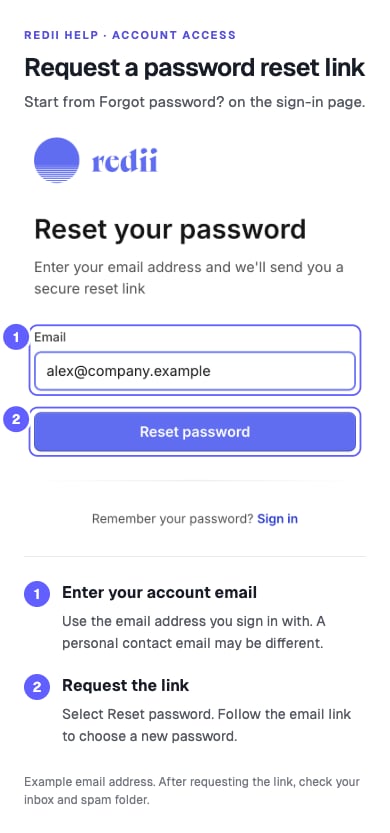
- Enter the email address for your Redii account.
- Select Reset password.
- Check your inbox and spam folder for a reset email.
Choose a new password
- Open the link in the reset email.
- Enter your new password in New password. Follow the password requirements shown on the page.
- Enter the same password in Confirm password.
- Select Reset password.
- Sign in with your new password.